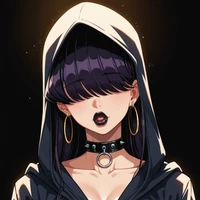
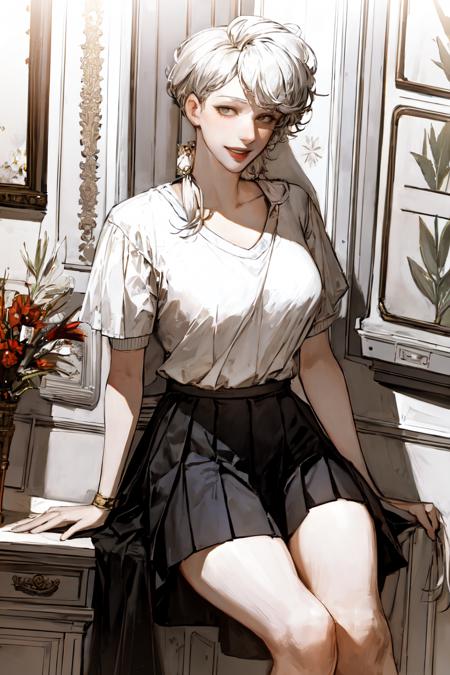
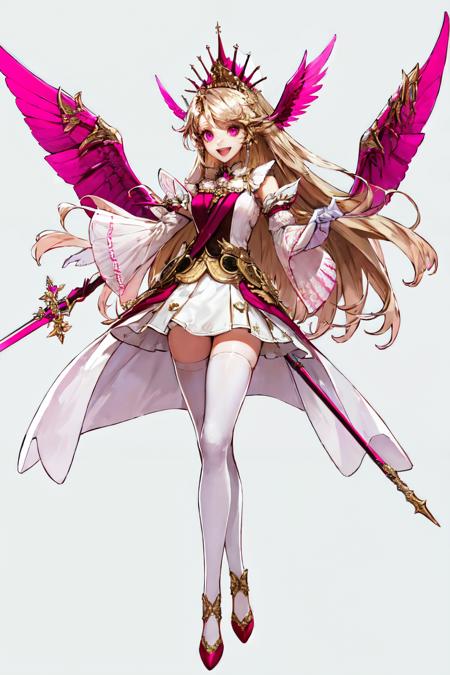
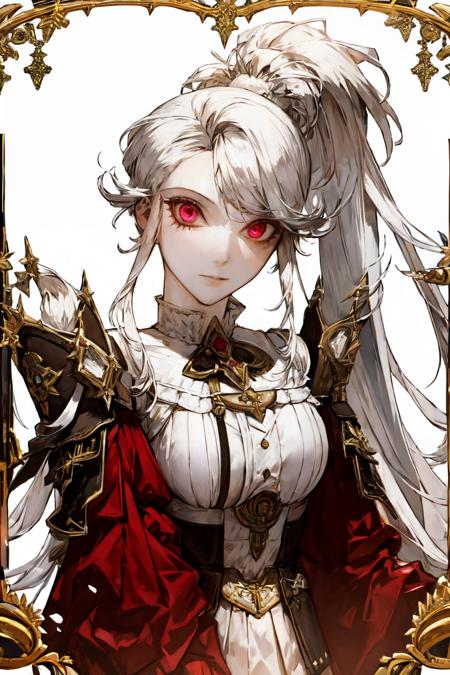
Diffusers How to use goofyai/pilyeon-style-goofy-ai with Diffusers:
pip install -U diffusers transformers accelerate
import torch
from diffusers import DiffusionPipeline

# switch to "mps" for apple devices
pipe = DiffusionPipeline.from_pretrained("emilianJR/AnyLORA", dtype=torch.bfloat16, device_map="cuda")
pipe.load_lora_weights("goofyai/pilyeon-style-goofy-ai")

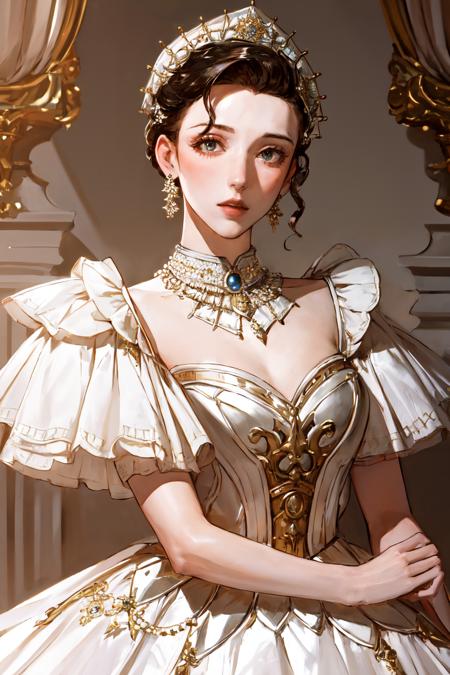
prompt = "pilyeon style,  1girl, looking at viewer, parted lips,  upper body, jewelry, Romantic tulle ball gown with a beaded bodice and a full skirt"
image = pipe(prompt).images[0]