metadata
license: creativeml-openrail-m
base_model: runwayml/stable-diffusion-v1-5
instance_prompt: IllusionDiffusionPattern
tags:
  - stable-diffusion
  - stable-diffusion-diffusers
  - text-to-image
  - diffusers
  - lora
datasets:
  - Norod78/microsoft-fluentui-emoji-512-whitebg
widget:
  - text: Wonderwoman IllusionDiffusionPattern
  - text: A spiral wormhole IllusionDiffusionPattern
  - text: Dog IllusionDiffusionPattern
  - text: Skull IllusionDiffusionPattern
inference: true
language:
  - en
Trigger word
Use "IllusionDiffusionPattern" in your prompts
Dataset
Trained upon the "high contrast" suffixed images in Norod78/microsoft-fluentui-emoji-512-whitebg
Intended use
- Generate input pattern images to be used with qrcode_monster
- Use LoRA scale weights in the range of around 0.5 to 0.8
Examples
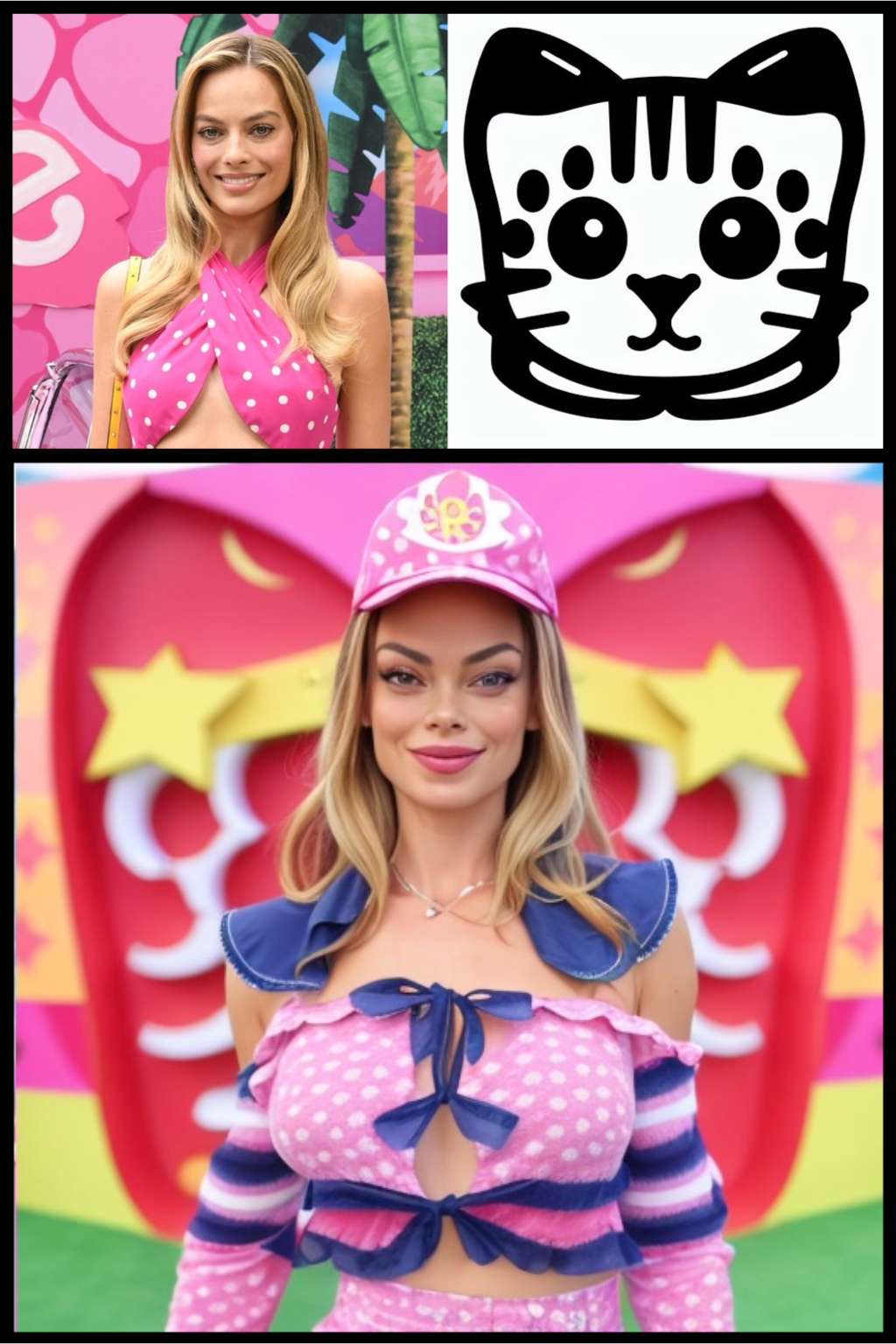
Prompt: Kitten IllusionDiffusionPattern
LoRA weight scale: 0.5

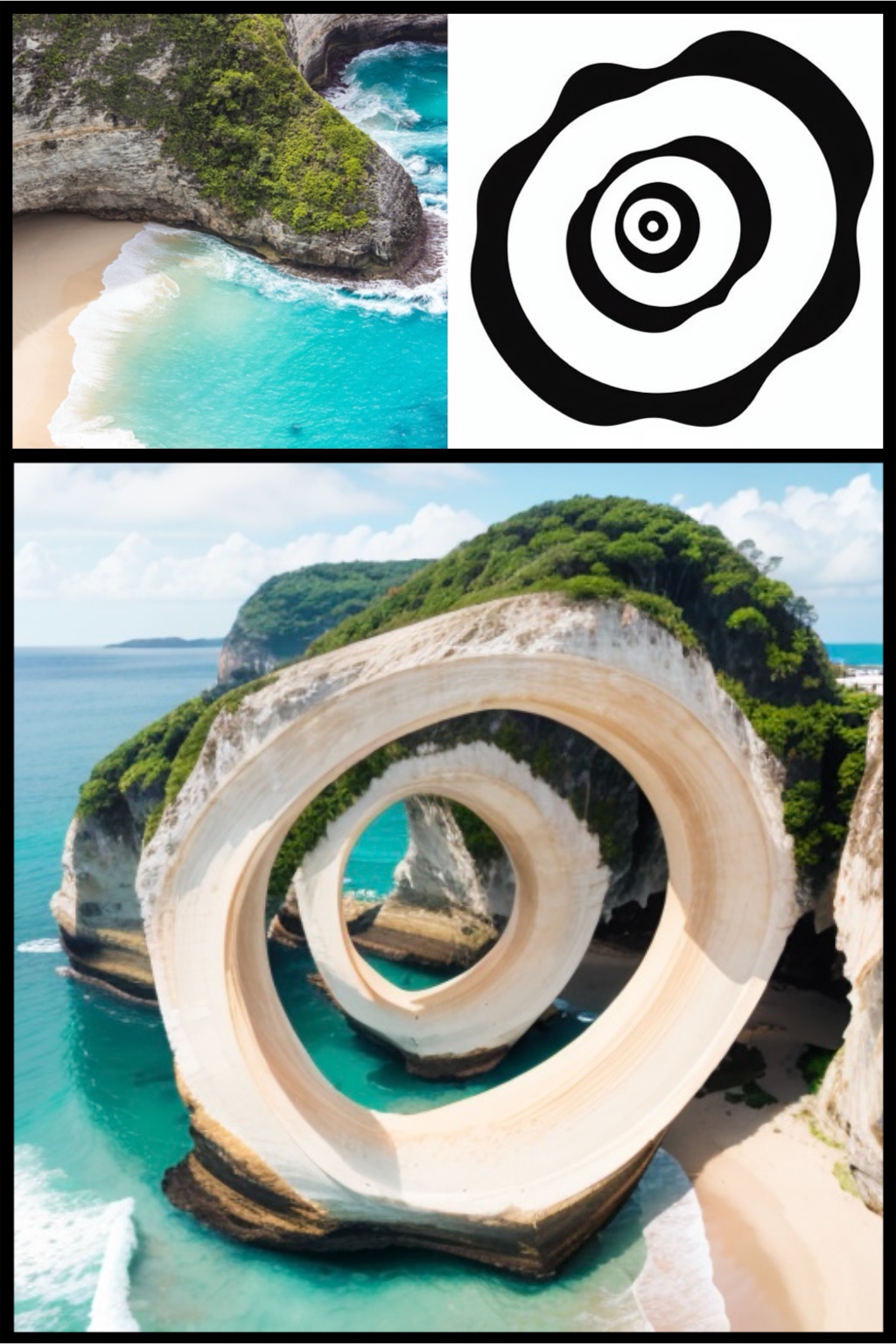
Together with IP-Adapter + QR-Code Monster
Prompt:A spiral wormhole IllusionDiffusionPattern
LoRA weight scale: 0.8
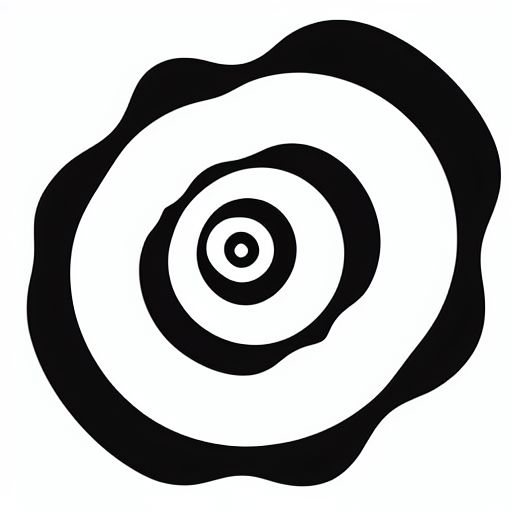
Together with IP-Adapter + QR-Code Monster