

metadata
tags:
  - text-to-image
  - stable-diffusion
  - lora
  - diffusers
  - template:sd-lora
widget:
  - text: The spirit of Tamagotchi in Los Angeles
    output:
      url: images/LAI-ImageGeneration-v1_20240327230626_e000039_01.png
  - text: 'Mikey mouse in a pool '
    output:
      url: images/LAI-ImageGeneration-v1_20240327230638_e000039_02.png
base_model: stabilityai/stable-diffusion-xl-base-1.0
instance_prompt: null
license: openrail++
LAI-ImageGeneration-v1
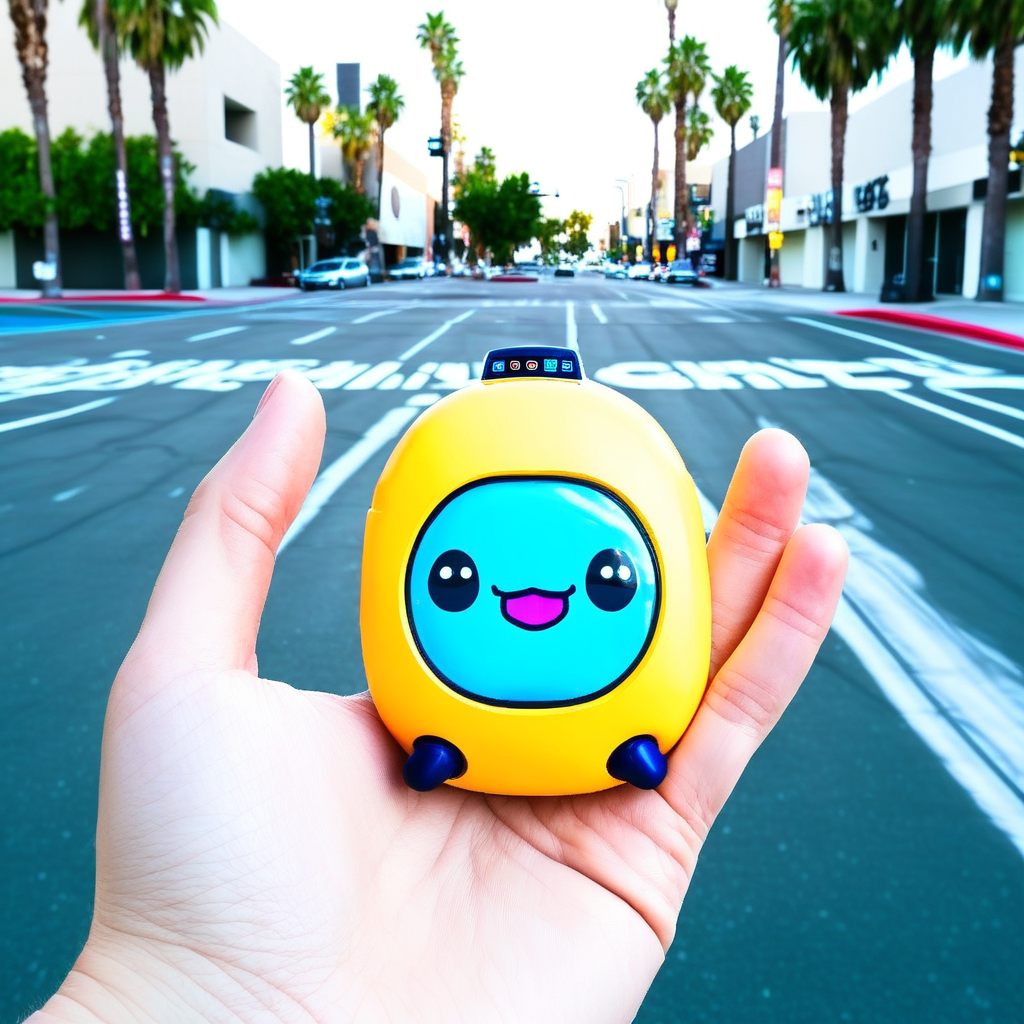
- Prompt
- The spirit of Tamagotchi in Los Angeles

- Prompt
- Mikey mouse in a pool
Model description
Trained on the DS-2 Dataset, without a Triggerword
Download model
Weights for this model are available in Safetensors format.
Download them in the Files & versions tab.