Instructions to use tlennon-ie/QwenEdit2509-FlatLogColor with libraries, inference providers, notebooks, and local apps. Follow these links to get started.
- Libraries
- Diffusers
How to use tlennon-ie/QwenEdit2509-FlatLogColor with Diffusers:
pip install -U diffusers transformers accelerate
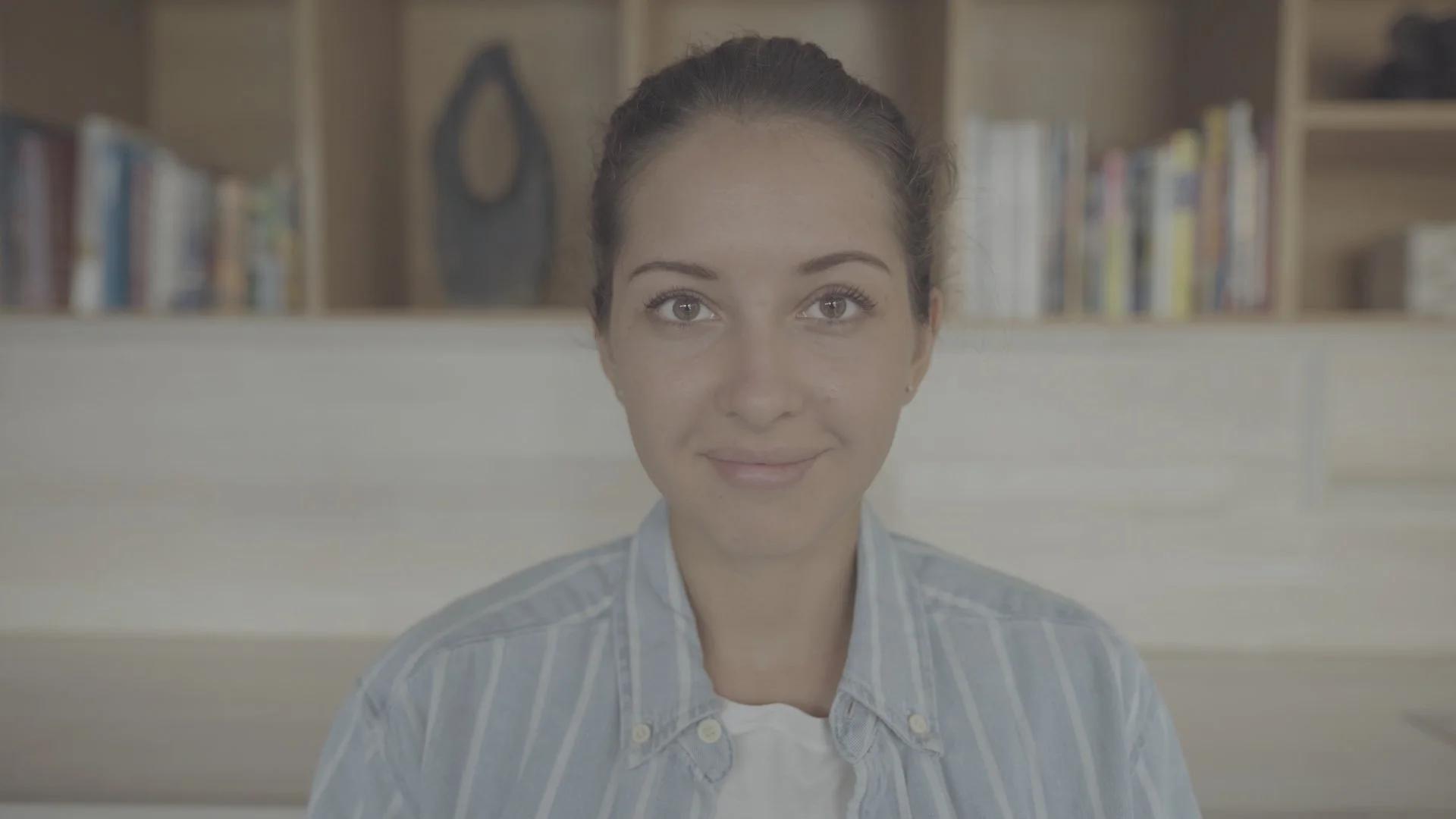
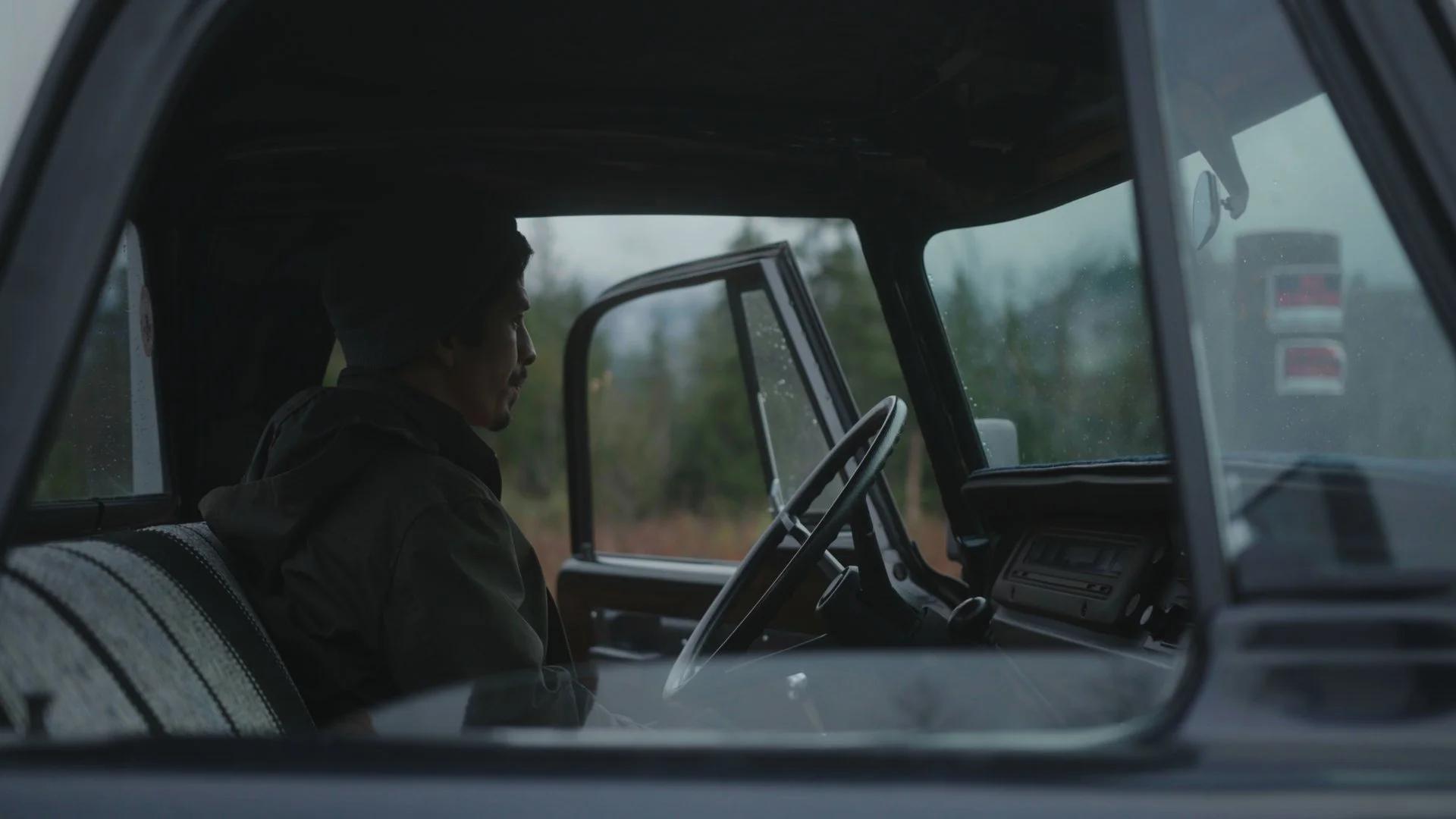
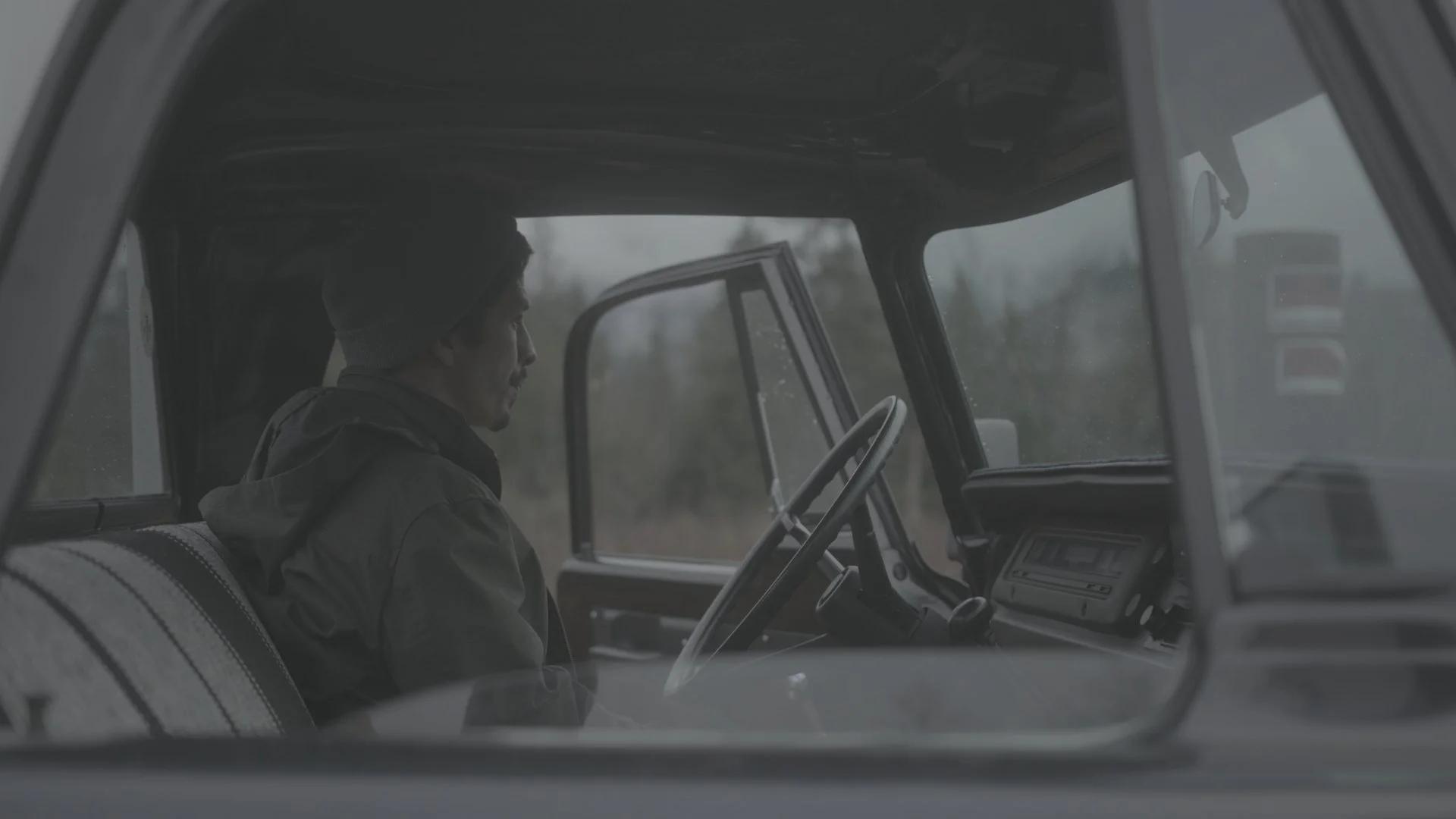
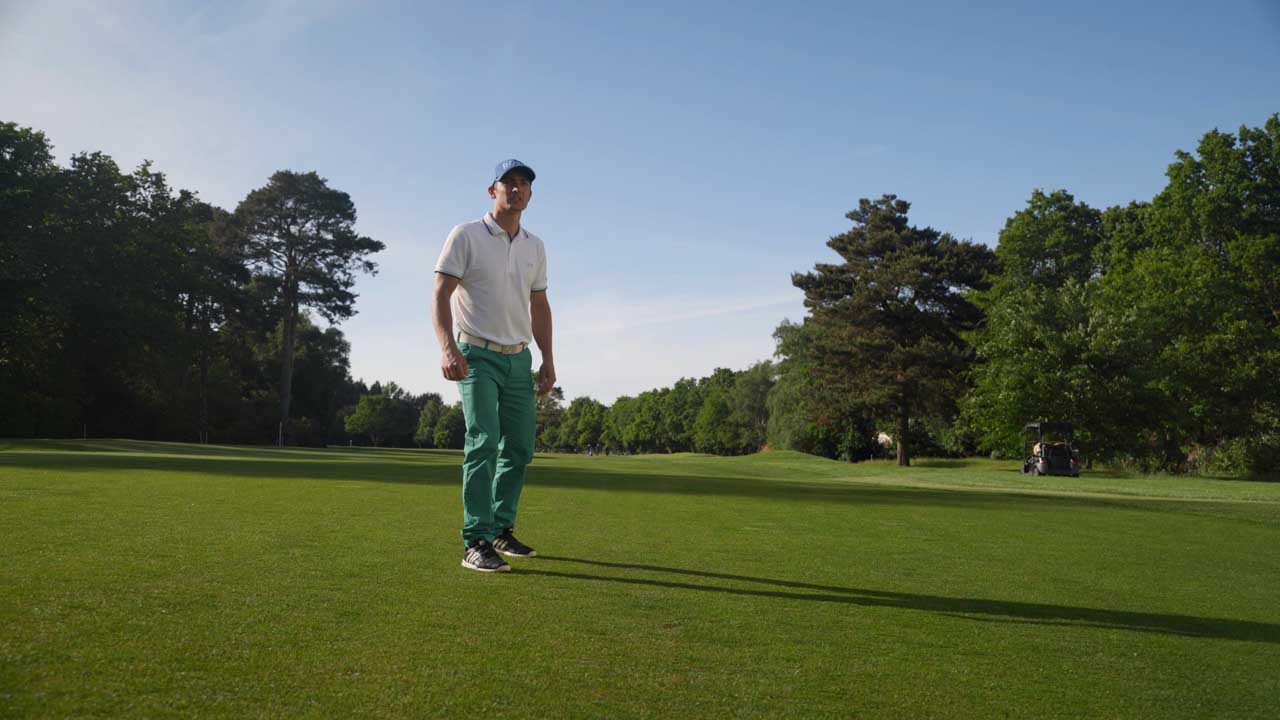
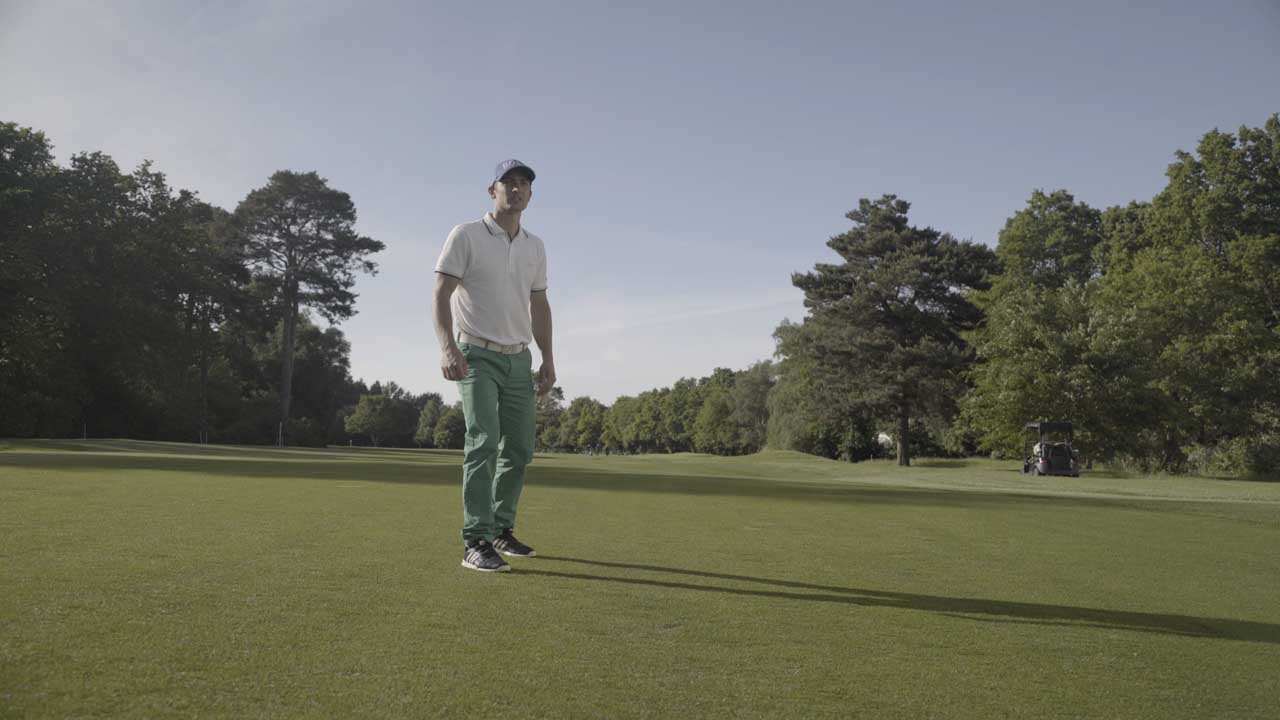
import torch from diffusers import DiffusionPipeline from diffusers.utils import load_image # switch to "mps" for apple devices pipe = DiffusionPipeline.from_pretrained("Qwen/Qwen-Image-Edit-2509", dtype=torch.bfloat16, device_map="cuda") pipe.load_lora_weights("tlennon-ie/QwenEdit2509-FlatLogColor") prompt = "flatcolor Desaturate the image and lower the contrast to create a flat, ungraded look similar to a camera's log profile. Preserve details in the highlights and shadows." input_image = load_image("https://huggingface.co/datasets/huggingface/documentation-images/resolve/main/diffusers/cat.png") image = pipe(image=input_image, prompt=prompt).images[0] - Inference
- Notebooks
- Google Colab
- Kaggle
- Local Apps Settings
- Draw Things
Ctrl+K
- 105 kB xet
- 327 kB xet
- 301 kB xet
- 75.1 kB
- 240 kB xet
- 151 kB xet
- 99.1 kB
- 80 kB
- 146 kB xet
- 119 kB xet
- 161 kB xet
- 113 kB xet
- 94 kB
- 84.9 kB
- 180 kB xet
- 98.2 kB
- 87.9 kB
- 115 kB xet
- 163 kB xet
- 107 kB xet
- 13.3 MB xet
- 12.2 MB xet
- 11.3 MB xet
- 17.6 MB xet
- 11.2 MB xet
- 10.9 MB xet
- 10.9 MB xet
- 9.37 MB xet
- 13.9 MB xet
- 12.9 MB xet
- 10.1 MB xet
- 13.2 MB xet
- 10.9 MB xet