How to use KappaNeuro/director-gaspar-noe-style with Diffusers:
pip install -U diffusers transformers accelerate
import torch
from diffusers import DiffusionPipeline

# switch to "mps" for apple devices
pipe = DiffusionPipeline.from_pretrained("stabilityai/stable-diffusion-xl-base-1.0", dtype=torch.bfloat16, device_map="cuda")
pipe.load_lora_weights("KappaNeuro/director-gaspar-noe-style")

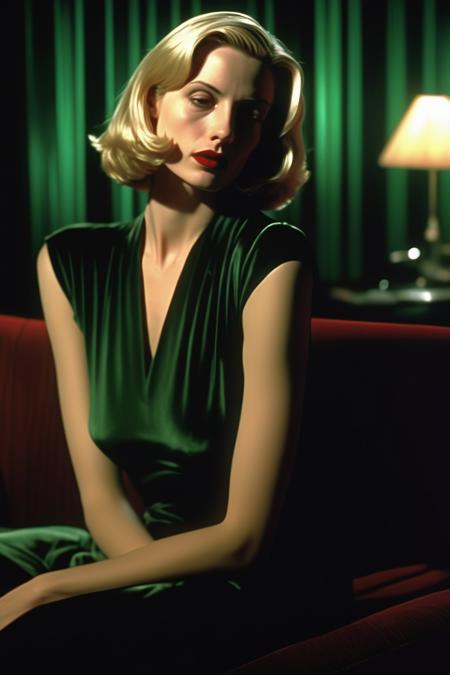
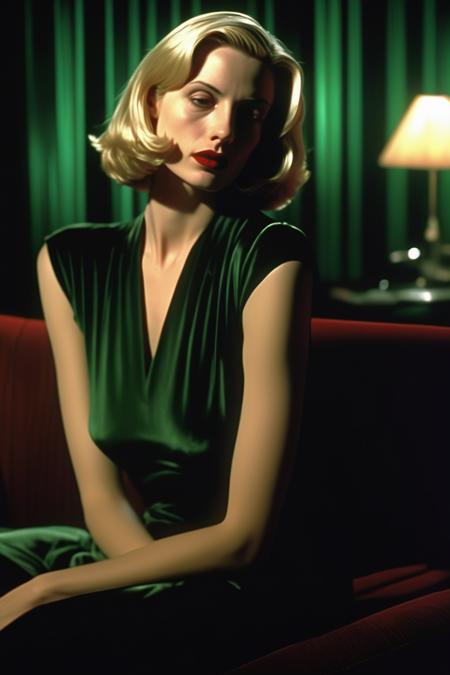
prompt = "Director Gaspar Noe style - a cinematic scene from  \"Mulholland Drive\". over the shoulder shot, a young blonde woman with shoulder-length hair and red lips sitting in a LA dimly lit living room with emerald green walls looking at her partner with an intense look in her eyes, there is tension and a sense of danger in the air, the scene is atmospheric and dreamy and has an uncanny vibe, shot on Panavision Panaflex Platinum Camera, Panavision Primo Primes Spherical Lens, mist filter, Kodak Vision Color film"
image = pipe(prompt).images[0]