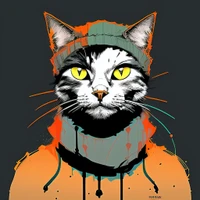
Instructions to use Envvi/Inkpunk-Diffusion with libraries, inference providers, notebooks, and local apps. Follow these links to get started.
- Libraries
- Diffusers
How to use Envvi/Inkpunk-Diffusion with Diffusers:
pip install -U diffusers transformers accelerate
import torch from diffusers import DiffusionPipeline # switch to "mps" for apple devices pipe = DiffusionPipeline.from_pretrained("Envvi/Inkpunk-Diffusion", torch_dtype=torch.bfloat16, device_map="cuda") prompt = "Astronaut in a jungle, cold color palette, muted colors, detailed, 8k" image = pipe(prompt).images[0] - Notebooks
- Google Colab
- Kaggle
- Local Apps Settings
- Draw Things
- DiffusionBee
File size: 821 Bytes
a4ad0e8 c7e187b a4ad0e8 c7e187b 300cdc7 e86f40b 300cdc7 | 1 2 3 4 5 6 7 8 9 10 11 12 13 14 15 16 17 18 19 20 21 | ---
license: creativeml-openrail-m
language:
- en
tags:
- stable-diffusion
- text-to-image
- diffusers
---
# Inkpunk Diffusion
Finetuned Stable Diffusion model trained on dreambooth. Vaguely inspired by Gorillaz, FLCL, and Yoji Shinkawa. Use **_nvinkpunk_** in your prompts.
# Gradio
We support a [Gradio](https://github.com/gradio-app/gradio) Web UI to run Inkpunk-Diffusion:
[](https://huggingface.co/spaces/akhaliq/Inkpunk-Diffusion)
# Sample images
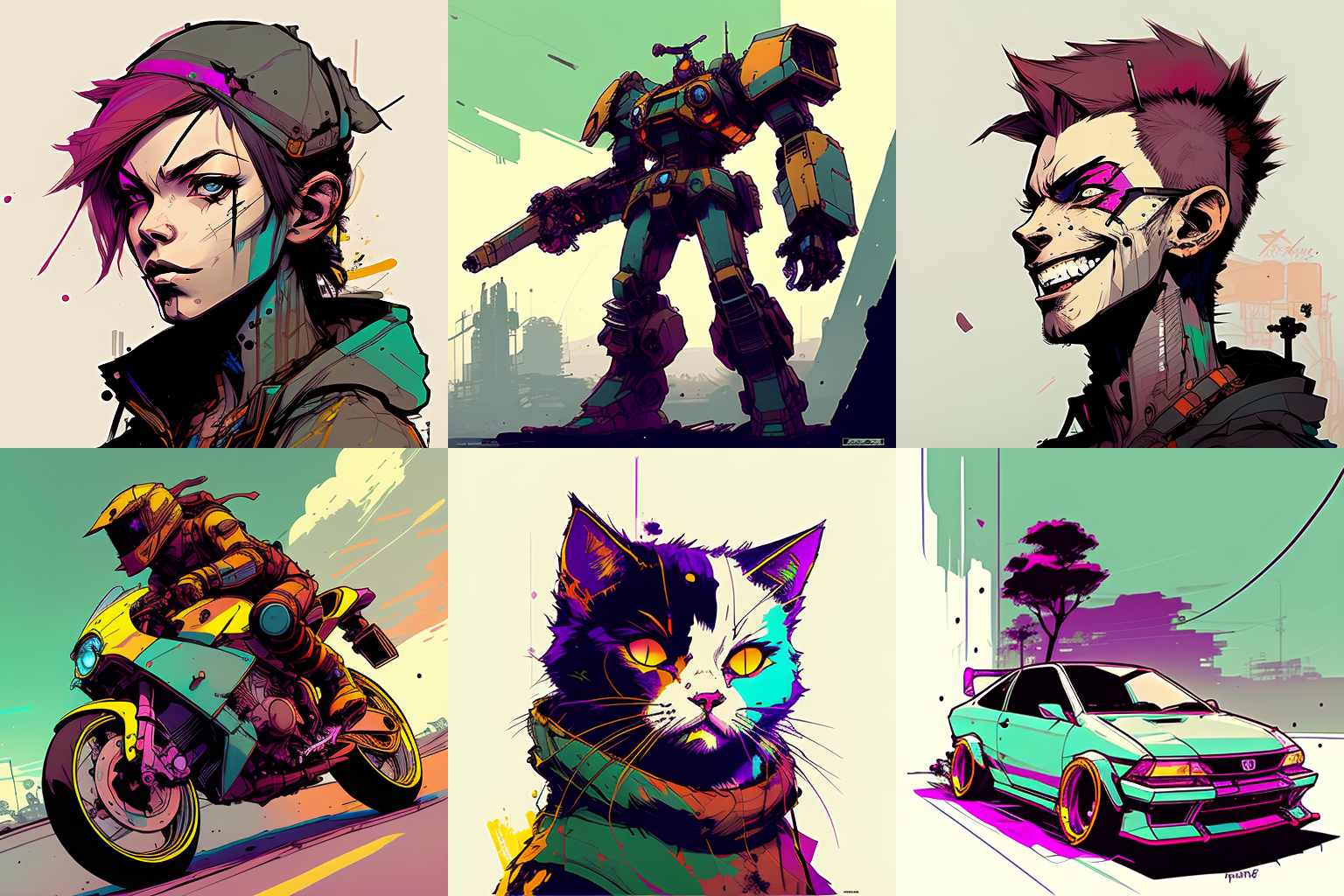
 |